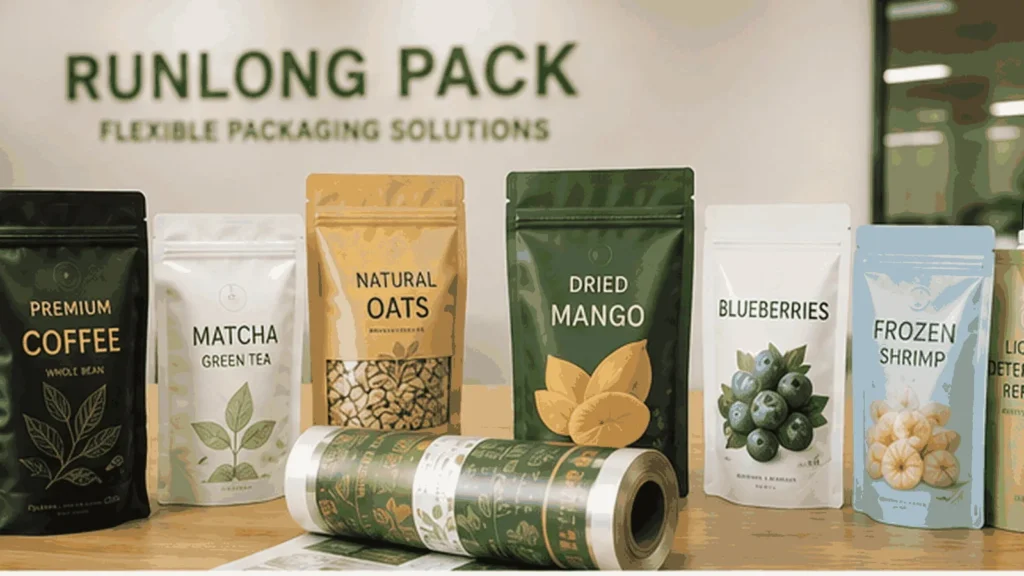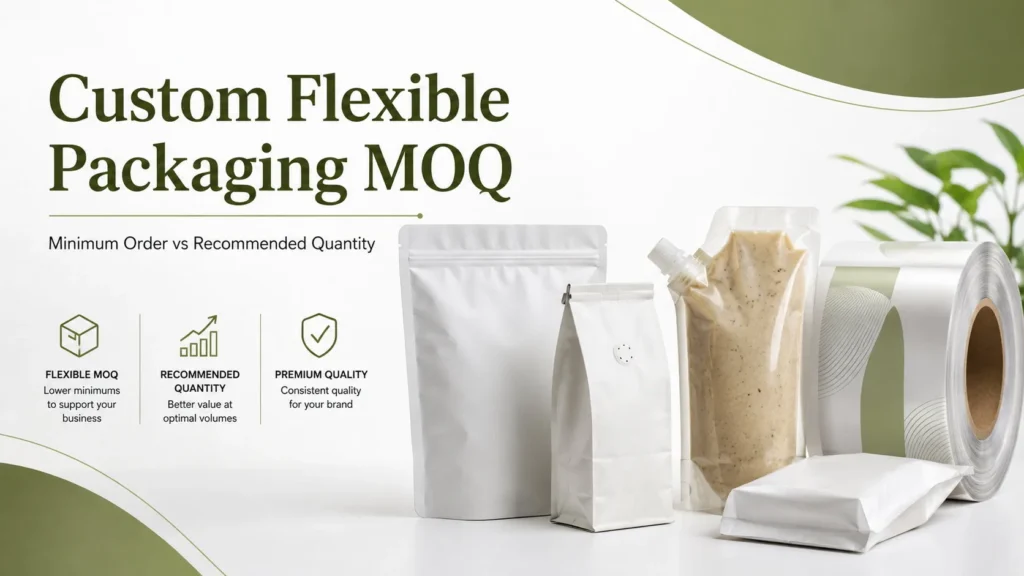



The same printed color can look different on clear and metallic packaging. Planning white ink early helps buyers and designers discuss which areas should look opaque, transparent or metallic.
Why does white ink matter on packaging?
Many printing colors are not fully opaque on every substrate. On a clear film, the product or background can influence how an unbacked design appears. On a metallic substrate, the reflective background can alter the appearance of a printed color. An appropriate white ink layer can help provide an opaque background beneath selected elements.
The exact opacity, color and placement depend on the film, ink system, print sequence and production route. Review the complete design with the printer before preparing final layers.
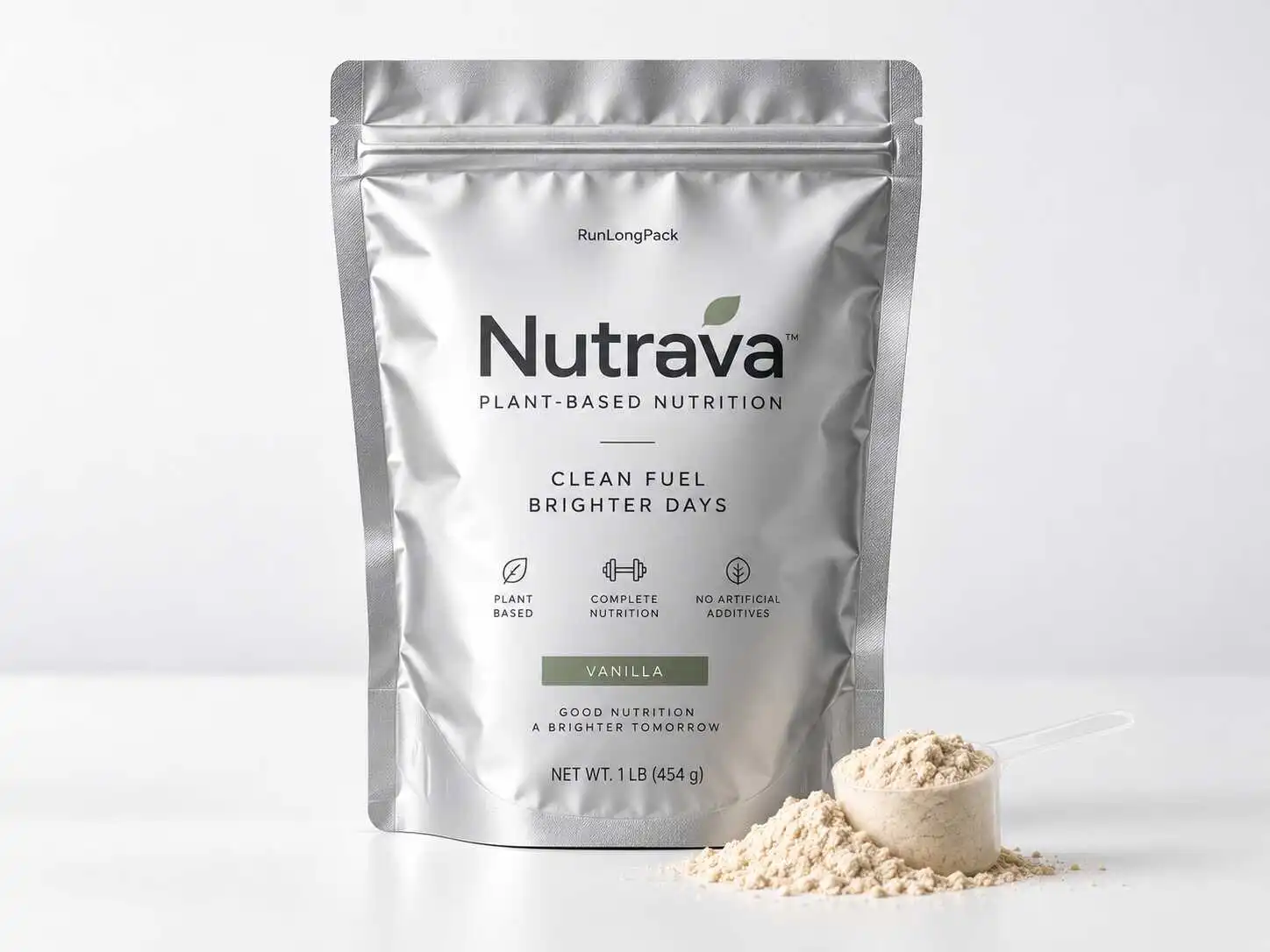
Clear pouch, printed design and window
A clear area can show the product when the complete packaging construction permits it. A logo or colored panel may need a white underbase to appear more opaque; an intentionally transparent area should be identified separately. The actual result depends on the pouch layers, printing and artwork.
Do not assume a transparent window provides the same light or barrier properties as an opaque structure. Review the product, shelf-life objective and full laminate before selecting a window.
Metallic appearance and exposed silver
A silver-looking region may be part of a metallic substrate or created by another effect. Depending on the printing method, leaving a metallic substrate visible or adjusting the white base can help create a metallic appearance. Colored ink printed over such an area can look different from the same color over opaque white.
These are planning principles rather than a guarantee for a particular supplier, material or effect. A metallic appearance is not evidence that a bag contains solid aluminum foil, and does not by itself establish oxygen or moisture barrier performance.
Share your product, specifications and quantity per design for a project-specific review.
How to mark the artwork
- Provide the printer with an editable source file and current dieline.
- Clearly indicate opaque artwork, areas intended to remain transparent, and areas where a metallic effect is desired.
- Ask whether a separate white-ink layer or spot color is required, including the file name and registration requirements for the selected process.
- Review overlapping colors, fine type, edges, seal zones and any transparent windows with the printer.
- Approve the resulting proof and sample under an agreed viewing method before production.
Do not guess the printer’s layer order. Ask for project-specific instructions and use the flexible packaging artwork checklist.
Mockup, sample and final print
A screen mockup can illustrate the concept but cannot reproduce every reflective or transparent effect. Ask what a physical sample will confirm and whether the final run uses the same material and printing process. If a digital sample leads to gravure production, color, registration and finish can vary and should be reviewed.
Tell Runlong your product, desired transparent or metallic areas, pouch format and quantity. We can review the specification and discuss a suitable proof or sample for eligible projects.
Frequently asked questions
Does white ink make a clear pouch completely opaque?
It can increase opacity in selected areas, but the actual result depends on ink coverage, film, print method and construction. Confirm the result with an appropriate proof or sample.
Can a pouch have both a clear window and a metallic design?
It may be possible for some structures and processes. The clear and metallic regions and full material structure must be reviewed for the project.
Is exposed metallic film the same as foil stamping?
No. A metallic substrate showing through and a localized foil embellishment are different approaches. Ask which process is appropriate for the desired effect.
Does a silver-looking bag always contain aluminum foil?
No. Different materials and finishes can create a silver appearance. Confirm the actual film structure and barrier requirements separately.
Should white ink be in a separate file layer?
Often the printer needs the intended white-ink areas identified separately, but the exact file setup depends on the printer and production process. Ask for their artwork instructions.
Let’s review your packaging project
Tell us about your product, pouch format, target quantity and artwork. We can help you review the next practical step.